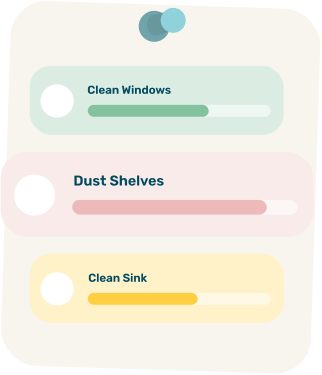
Task cards for Clean Windows, Dust Shelves and Clean Sink, each with a progress bar

Cleaning Checklist

Work through your home one room at a time. Tick each job off as you go (your ticks are saved on this device) or print the list and take it with you.

Cleaning Checklist
Kitchen
Bathroom
Bedroom
Living room
Whole home

How to use this cleaning checklist

  1. Declutter first. It is much easier to clean a surface you can see. If a room is overwhelming, try our decluttering challenge timer.
  2. Work top to bottom. Dust and wipe high surfaces first, floors last, so dirt falls where you have not cleaned yet.
  3. Work in one direction. Go around the room clockwise so you do not miss or repeat spots.
  4. Do one room at a time. Finishing a room feels good and keeps you going.

Checklist or cleaning schedule?

A checklist tells you what to clean in a room. A schedule tells you when. Use the checklist for a proper clean, and pair it with a daily, weekly and monthly cleaning schedule so it becomes a routine instead of a one-off.

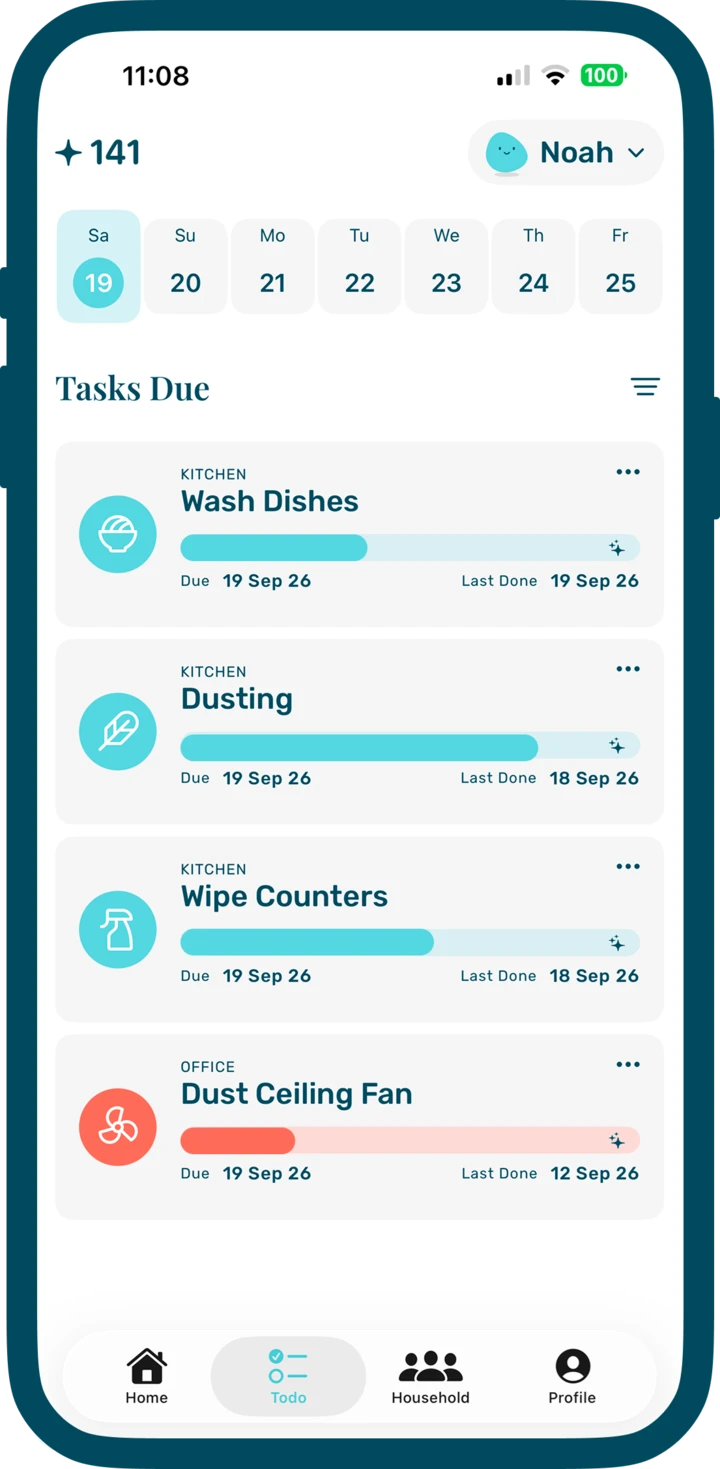
If you would rather not track it on paper at all, TrulyTidy turns your rooms and tasks into a to-do list that shows what is due today.

TrulyTidy app

Keep it going without the paper

TrulyTidy turns your rooms and routines into a short daily to-do list, with points for effort and rewards to look forward to.

Download TrulyTidy on the App Store

Frequently asked questions

What order should I clean rooms in?

Start with the rooms that have the most clutter or that you use most, and finish with floors and entryways. Within each room, work from top to bottom.

How long does a full clean take?

It depends on the size of your home and how often you clean. Many people find a single room takes somewhere between 15 and 45 minutes.

Can I print this cleaning checklist?

Yes. Press the Print button and only the checklist is printed. You can also save it as a PDF from the print dialog.

Are my changes saved?

Yes. Your ticks and any chores or sections you add, rename or remove are saved in your browser on this device. Use Reset list to go back to the starter checklist.

Can I add my own chores and sections?

Yes. Use the + box under a section to add a chore, the minus button to remove one, and the New section box to add a section such as Garage or Pets.

Try TrulyTidy
for free

Download it on your iPhone and give your home a calmer routine.

Download TrulyTidy on the App Store